The 90-Day Replenishment Calendar: Turn Your POS Data into a Concrete Buying Schedule
Most retailers know what they sold last week. Almost none have a clear picture of what they should buy for the next 90 days. A replenishment calendar fixes that — and it starts with your POS data.

Michael Shahid • Founder & CEO
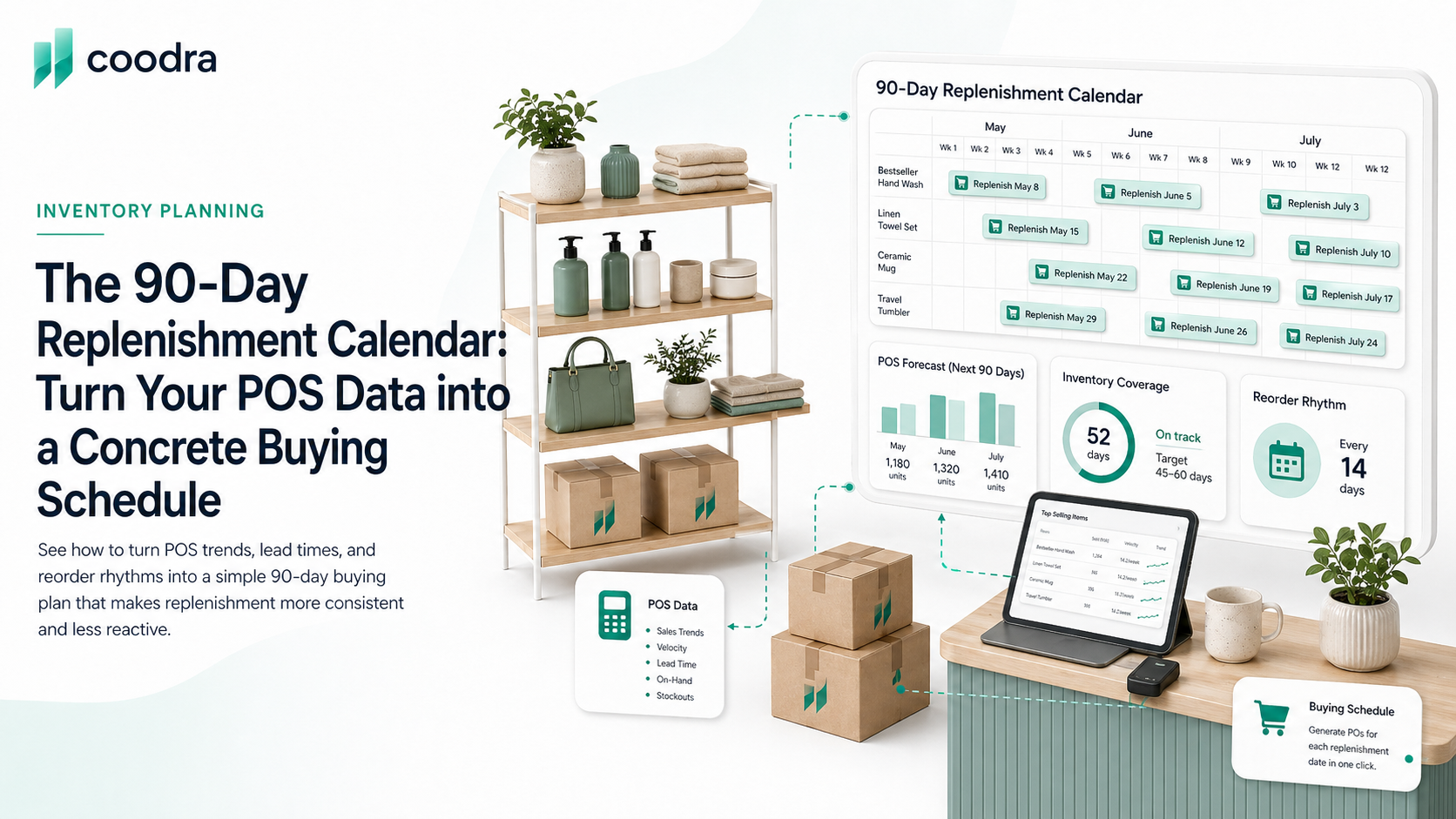
The most common replenishment pattern in independent retail: the owner or buyer reviews inventory on a feeling, places a purchase order, and hopes the product arrives before the shelf empties. This process is not a system. It is improvisation with a PO attached.
A replenishment calendar transforms this from a reactive guess into a proactive schedule. The concept is straightforward: map out what you need to order and when, based on actual sales velocity, known lead times, and a 90-day forward view. The result is a buying calendar that tells you what to order in week 1, week 5, and week 9 — without having to re-decide every week.
The starting point is always your POS data. Without it, the calendar is a guess dressed up in a table.
Why 90 days is the right planning window for independent retail
Ninety days is long enough to capture a full replenishment cycle for most products — from order to receipt to sell-through — without extending the forecast so far out that the data becomes unreliable. Most independent retailers plan too close: they reorder for next week, not for the next 90 days. This creates a perpetual scramble where every order is urgent and nothing is ever ordered with real confidence.
A 90-day window forces you to think in sequences. When you order in week 1, you are ordering for arrival in week 5. When you order in week 5, you are ordering for arrival in week 9. Each purchase order is part of a chain, not a standalone event. This is the mindset shift that separates retailers who are always in front of their inventory from retailers who are always chasing it.
Divide SKUs by role, not by category
The first step in building a replenishment calendar is not sorting by product type. It is sorting by how critical the SKU is to your store and how reliably it sells. This gives you three tiers that map directly to reorder urgency.
Tier 1: Your top 5 hero SKUs — the products customers come in specifically asking for, the ones that anchor a category, the items that represent a disproportionate share of your revenue. These should always be on a standing purchase order. There should never be a week where these are not covered by at least 3 weeks of supply. Set a higher safety stock for these — 3 to 4 weeks instead of the standard 2.
Tier 2: Consistent secondary sellers. Products that sell reliably but are not the reason customers walk in the door. These follow the standard reorder formula: calculate your reorder point using average weekly sales and actual lead time, and place orders when inventory hits that point. The reorder point formula applies directly here.
Tier 3: Tail SKUs and slow movers. Products that sell 1-2 units per week and do not have a strong demand trend. Do not carry these on a standing order cycle. Order them when they hit their reorder point — and resist the urge to over-order just because the supplier has a minimum. A $50 missed opportunity on a slow SKU costs less than $200 in dead stock from an over-order.
The lead time mapping: the step most retailers skip
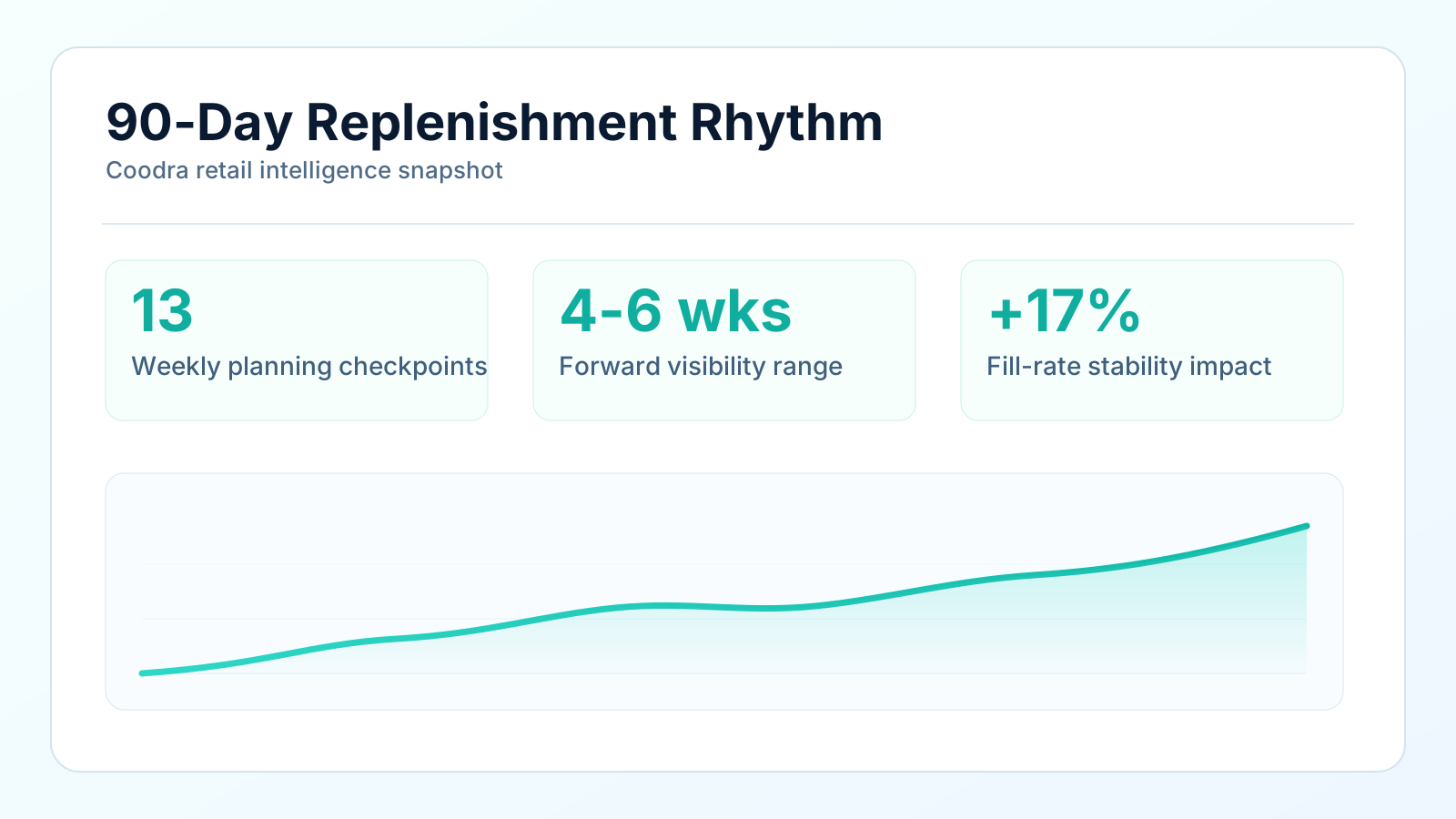
A replenishment calendar only works if you map every SKU to its actual lead time — not the supplier's quoted lead time. This is the step that most independent retailers skip, and it is the reason most reorder points are wrong.
Pull the last 10 purchase orders for each SKU or vendor group from your receiving records. Calculate the average number of days between PO placement and product being shelf-ready. That is your actual lead time. It will almost always be longer than what the supplier quotes — and that gap is exactly what the replenishment calendar is designed to bridge.
Once you have actual lead times mapped, you can build the sequence: order Week 1 for Week 5 arrival, order Week 5 for Week 9 arrival, and so on. The calendar is not telling you to buy more. It is telling you to buy in the right sequence so that every order arrives before you need it — not after.
The lead time gap is the most common point of failure in replenishment planning. A calendar that ignores it is just a list of things to buy.
How to build it in practice
Start with your top 20 SKUs by revenue. Pull their average weekly sales from your POS over the last 8-12 weeks. Pull their actual lead time from your receiving records. Calculate a reorder point for each. Mark the date when each SKU hits its reorder point over the next 90 days. That is your first calendar draft.
The goal is not a perfect plan. It is a working schedule that you review and adjust every 4 weeks. The value is not in the plan itself — it is in having a structure that surfaces when you are falling behind, when lead times have drifted, or when demand has shifted enough that an order needs to move earlier or later.
Coodra builds this calendar automatically from your POS data — surfacing which SKUs need orders this week, which are coming due in the next 4-6 weeks, and which are trending up and might need their buffer increased before the next reorder cycle. See the 90-day replenishment view for your store.
The discipline the calendar creates
The actual value of a replenishment calendar is not the plan itself. It is the discipline it creates. When you have a calendar, every order is a deliberate action in a sequence — not a reaction to a low shelf. You stop playing inventory management by ear and start running a scheduled supply chain, even if it is a simple one.
Retailers who run this way have fewer stockouts, less emergency ordering, and a more predictable cash flow — because they know when orders are going out and roughly when they need to pay for them. The calendar is the operating system of a well-run independent store.
Build a practical reorder workflow without Excel. Or apply for early access and see the replenishment calendar built from your actual data — no spreadsheet required.
Primary sources
Was this helpful?